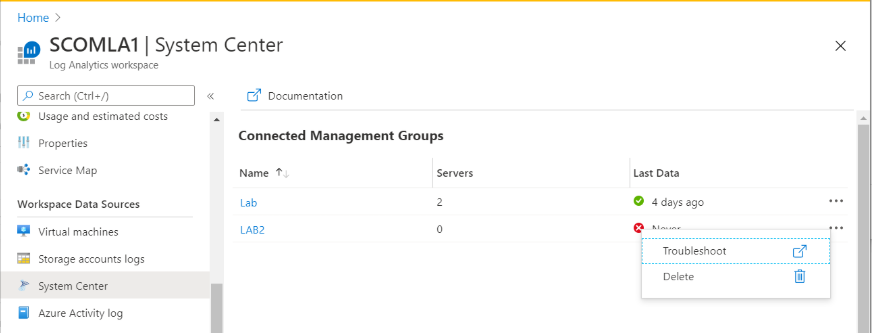
System center configuration now has it’s own dedicated blade in Log Analytics.
To access the new system center configuration blade, go to you Log Analytics Workspace and select “System Center” from the left hand navigation bar, under the “Workspace and data sources” group.
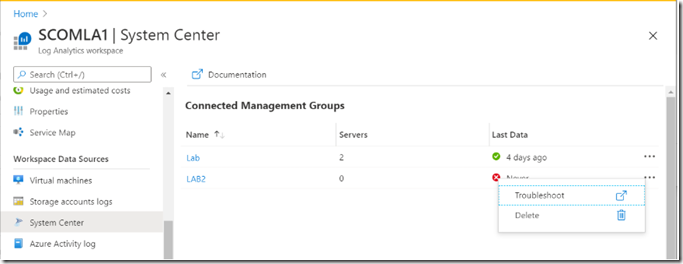
The new system center blade allows visibility and management of SCOM instances connected to your workspace:
To learn more about System center and Log Analytics follow this link.
We appreciate your feedback. If you have questions or suggestions, please email us.