Workspace delete
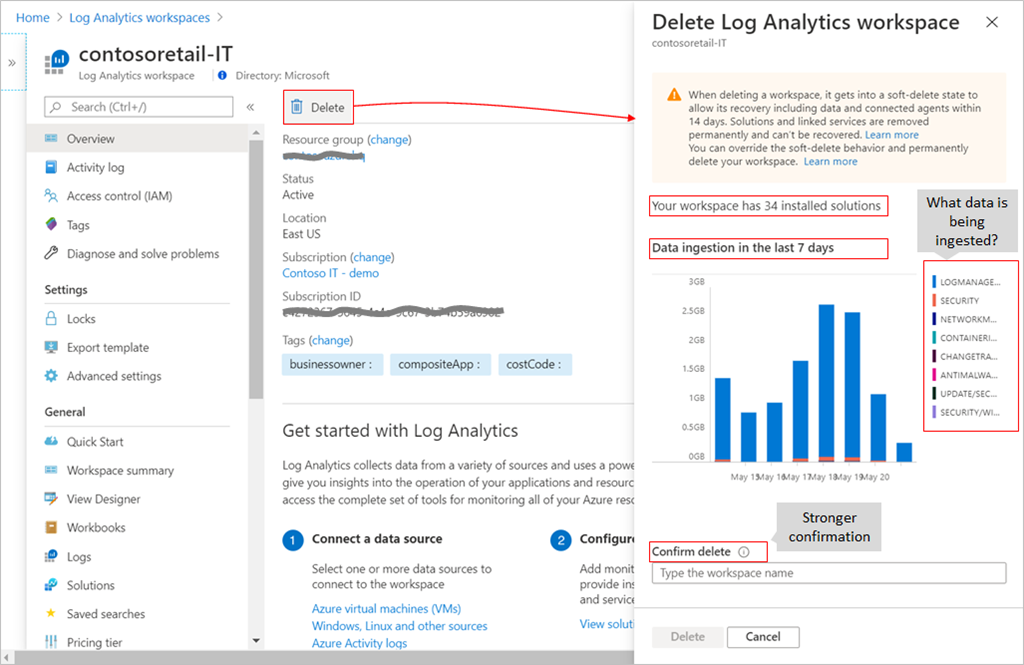
We added workspace soft-delete functionality to help you recover your workspace if necessary. In that situation, the workspace goes into a soft-delete state to allow its recovery, including data and connected agents within 14 days. It’s also possible to override the soft-delete behavior and permanently delete your workspace.
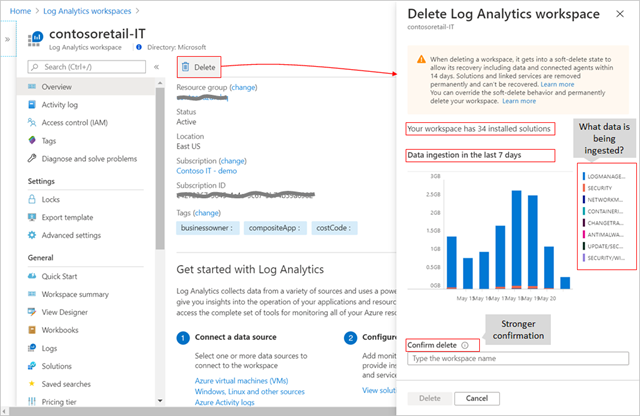
We learned that workspaces can be deleted mistakenly when users aren’t aware of their content, so we’ve added context about the workspace in the Azure portal that tells you how many installed solutions you have and the daily ingested volume over the past 7 days per data type.
Workspace recovery
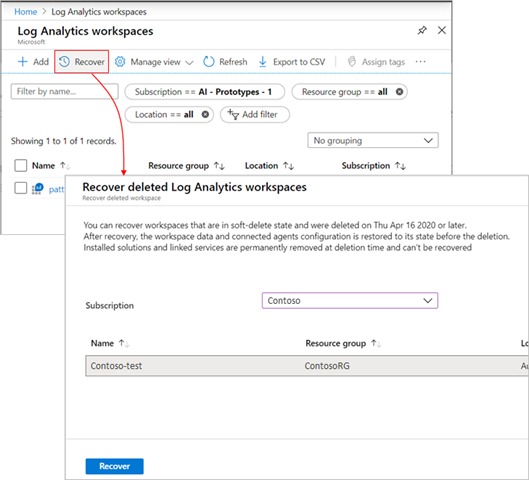
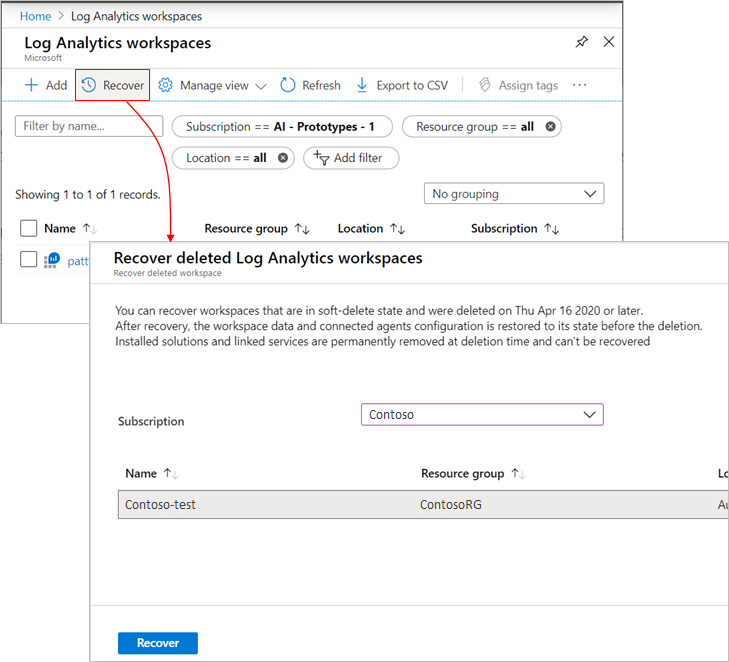
Up until now, it was possible to recover your workspace during the soft-delete period using REST request or PowerShell. We’ve added a new recovery experience in the Azure portal that surfaces any workspace in a soft-delete state and simplifies its recovery. Learn more.