The no-code editor offers an intuitive user experience that enables you to develop Stream Analytics jobs effortlessly, using drag-and-drop functionality, without having to write any code. With just a few clicks, you can quickly develop jobs to handle diverse scenarios in just minutes. It is available in the Azure Event Hubs portal, and now in Azure Stream Analytics portal as well.
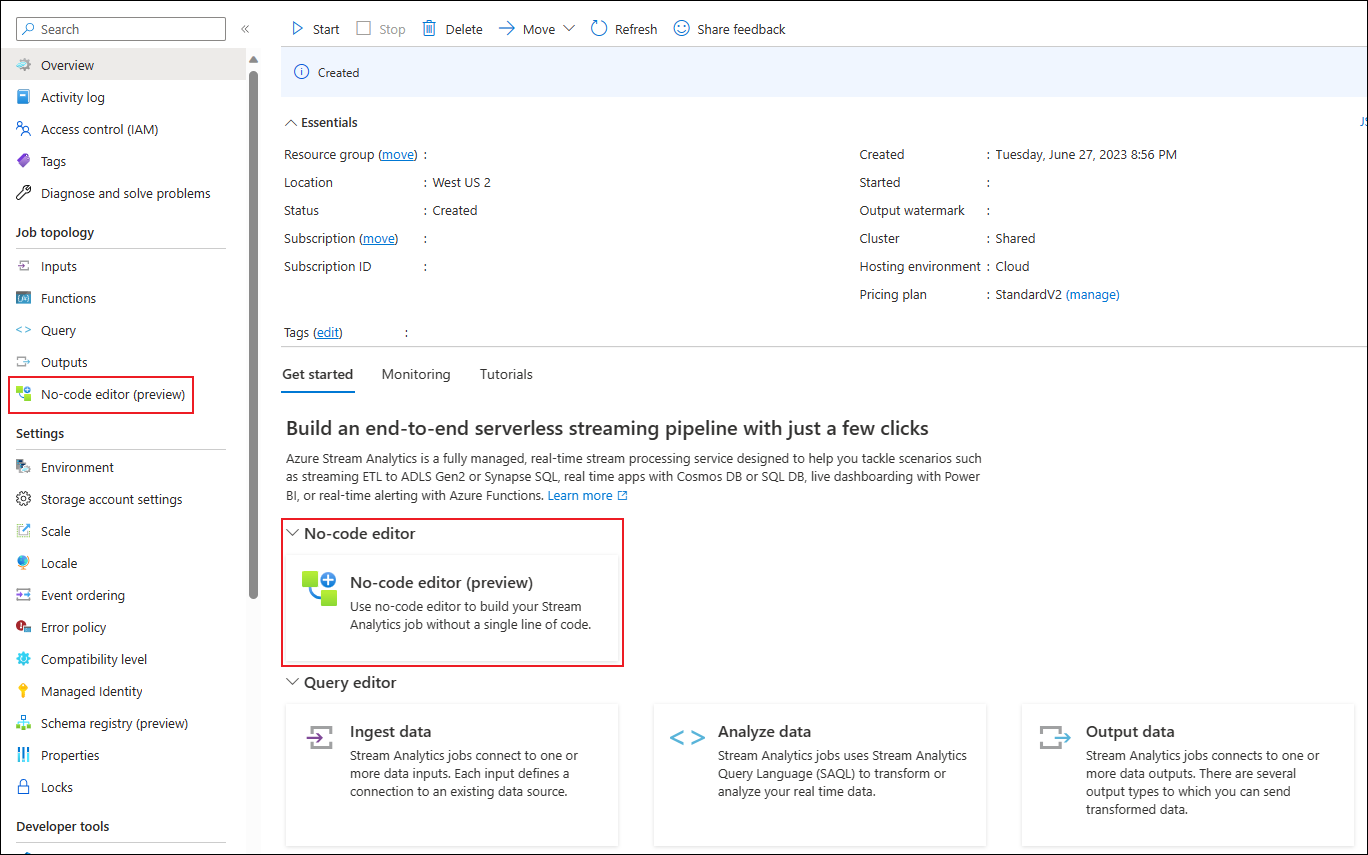
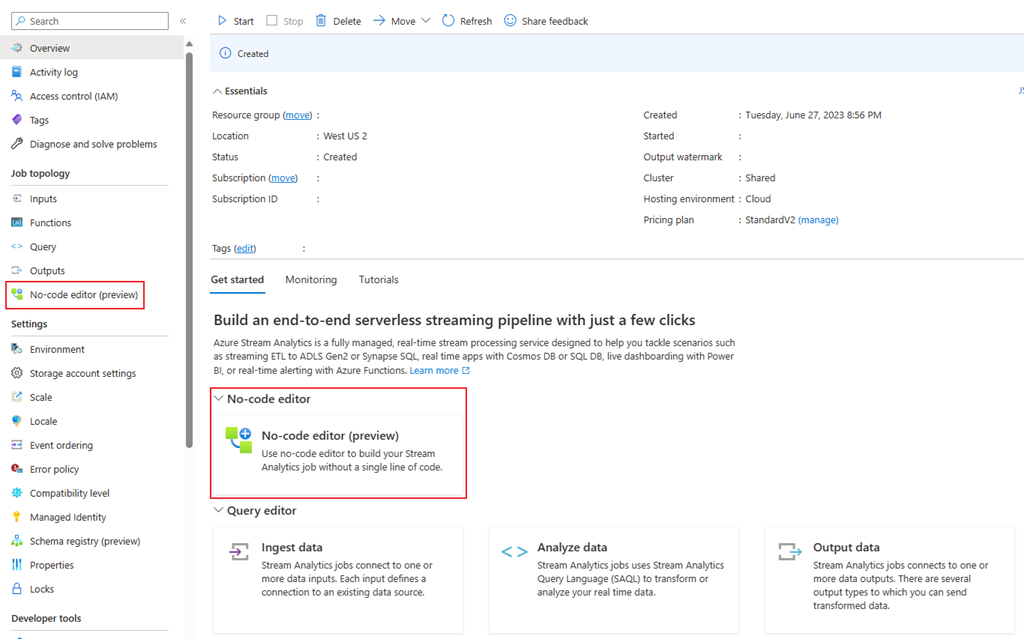
To access the no-code editor for building your Stream Analytics job in Azure Stream Analytics portal, follow these steps:
- Create a Stream Analytics job.
- Go to its overview page of the created job.
- Select the "Get started" tab and choose the “No-Code Editor” option, or navigate to the left panel and select the "No-code editor" menu.
Start using it now in Azure Event Hubs portal and Azure Stream Analytics portal. If you need further guidance on using the no-code editor, watch this video: Process Real-Time Data Streams in Minutes using Azure Stream Analytics' No-Code Editor Experience
To learn more about the no-code editor, see No-code stream processing in Azure Stream Analytics | Microsoft Learn.