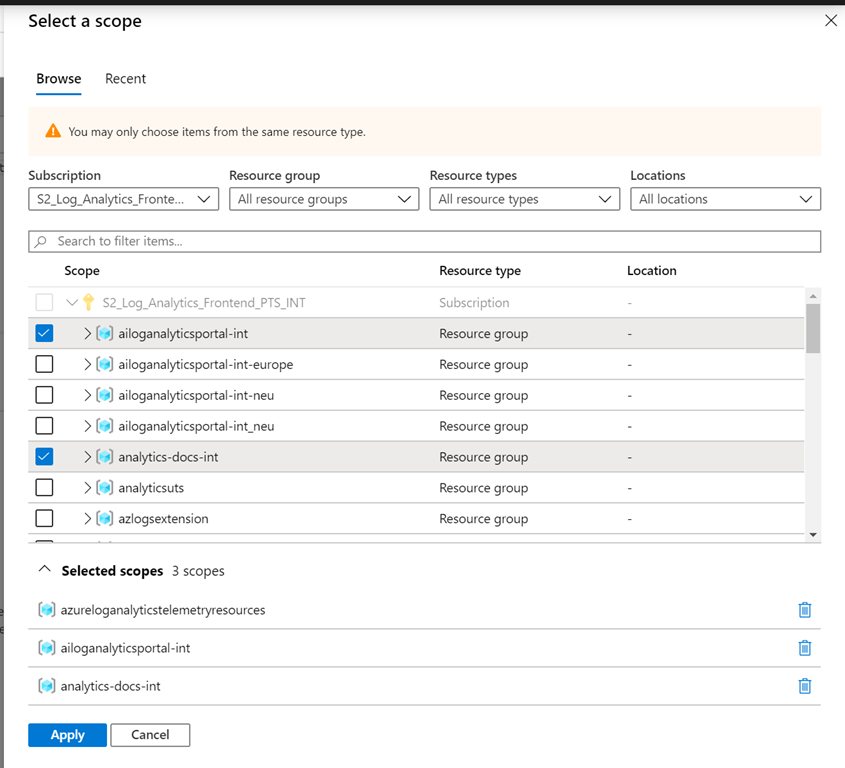
Azure Monitor Logs now supports the selection of multiple resources of the same type across scopes.
Selecting resources across scopes
In the scope analytics scope selector, use the selection boxes to choose multiple resources of the same types across multiple scopes.
Use this to select a set of virtual machines (VMs) across multiple subscriptions and resource groups to get a common insight that crosses a specific scope. Also use it to select multiple resource groups or any other type of resource across your estate to get deeper, more meaningful insights.
The ability to select multiple resources of the same type will also allow the selection of multiple Azure Monitor Logs workspaces enabling you to get insights from the logs stored in them.
The experience
The UI experience is nice and simple—when in the scope picker, simply select the resources you want to query and click Apply:
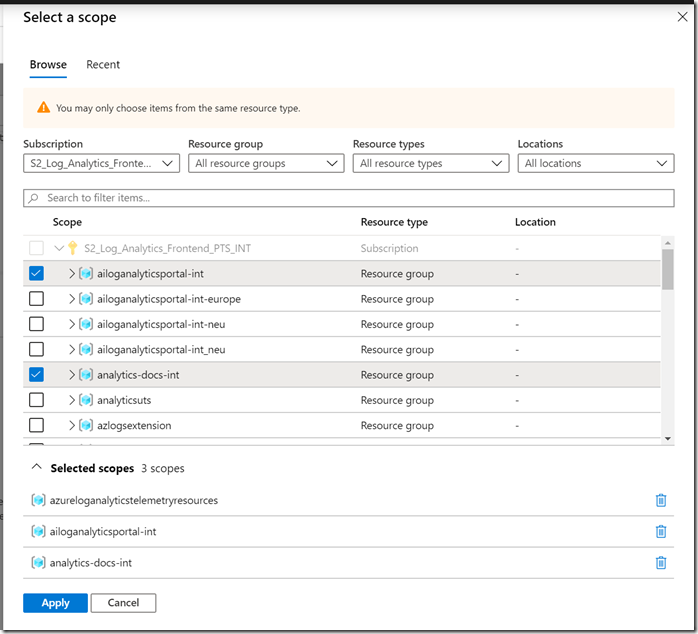
Note that scope picker will list the selected resources. Also note that once you select a specific resource type, the scope picker will allow the selection of multiple resources of the same type.
We appreciate your feedback. If you have questions or suggestions, please email us.