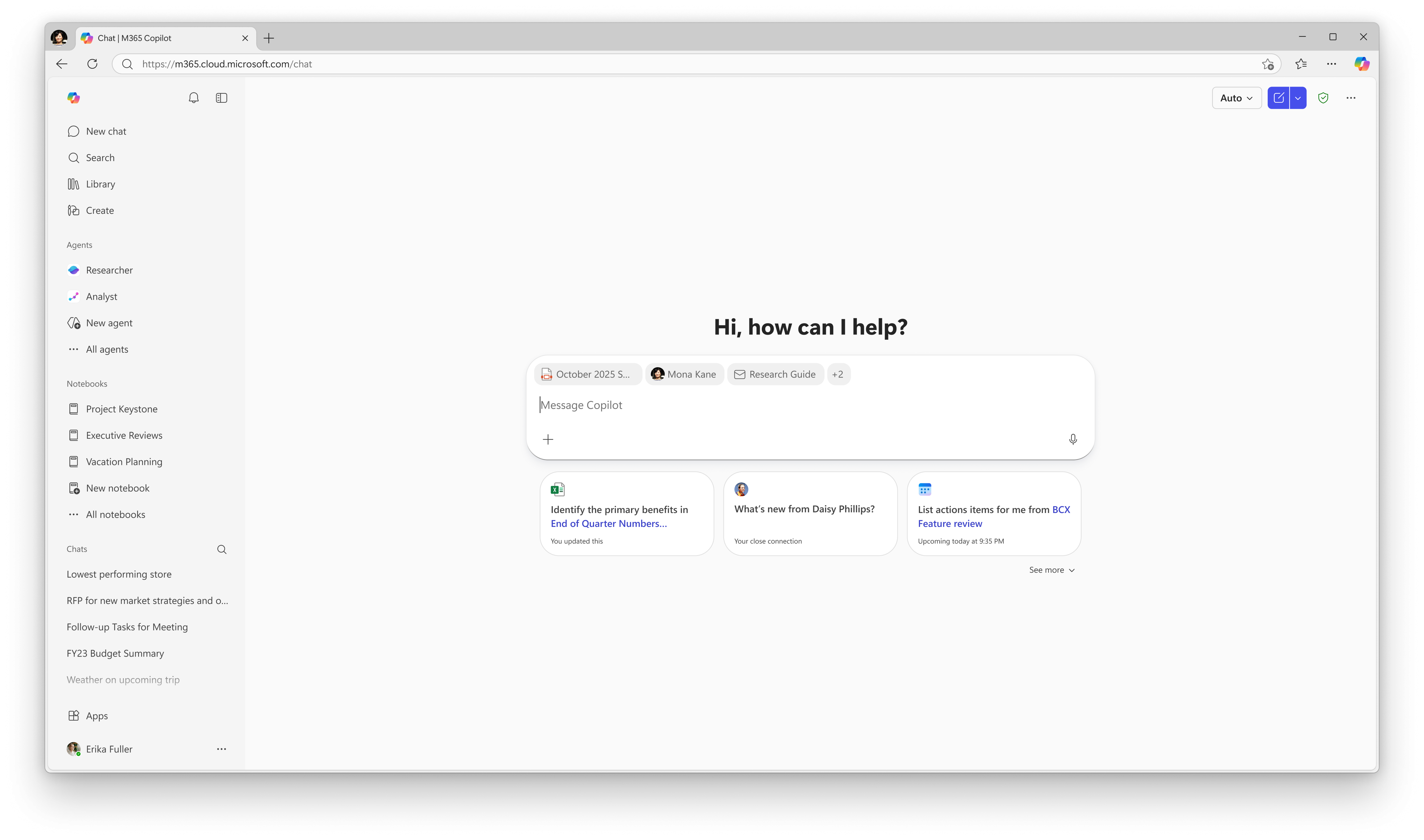
MC1230892 - Microsoft 365 Copilot: Updated handling of entity inserts in the Copilot Chat input box
Message Center
This announcement expired on Sep 28, 2026 and is no longer active in Message Center.
Summary
Starting mid-August 2026, Microsoft 365 Copilot and Copilot Chat will update entity insertion so entity names no longer appear as text in the input box, creating cleaner prompts. This change is default for all tenants, requires no admin action, and affects all commercial cloud users.
Discussionpowered by zap.ms
Last Updated
Service
Microsoft 365 Copilot Chat
Tag
Updated message
New feature
User impact
Admin impact
Platforms
Desktop
Web
More information
Version history
9 versions tracked
Updated 8 times since Feb 11, 2026. Microsoft only ever shows the current version; this archive preserves the history.
Compare any two versions
From
To
- Aug 4, 2026 · 09:08 PMLatest · v9
Changed: Body
- Aug 4, 2026 · 09:08 PMv8
Changed: Body, End date
- Jul 13, 2026 · 04:09 PMv7
Changed: Body, End date
- Jun 3, 2026 · 10:14 PMv6
Changed: Body, End date
- May 26, 2026 · 04:42 PMv5
Changed: Body, End date
- May 1, 2026 · 07:09 PMv4
Changed: Body, End date
- Apr 8, 2026 · 04:13 PMv3
Changed: Body, End date
- Mar 6, 2026 · 04:55 PMv2
Changed: Body, Tags, End date
- Feb 11, 2026 · 11:19 PMOriginal · v1
Changed: Initial version