MC1282567 - Create charts on pages with AI in SharePoint
Message Center
Summary
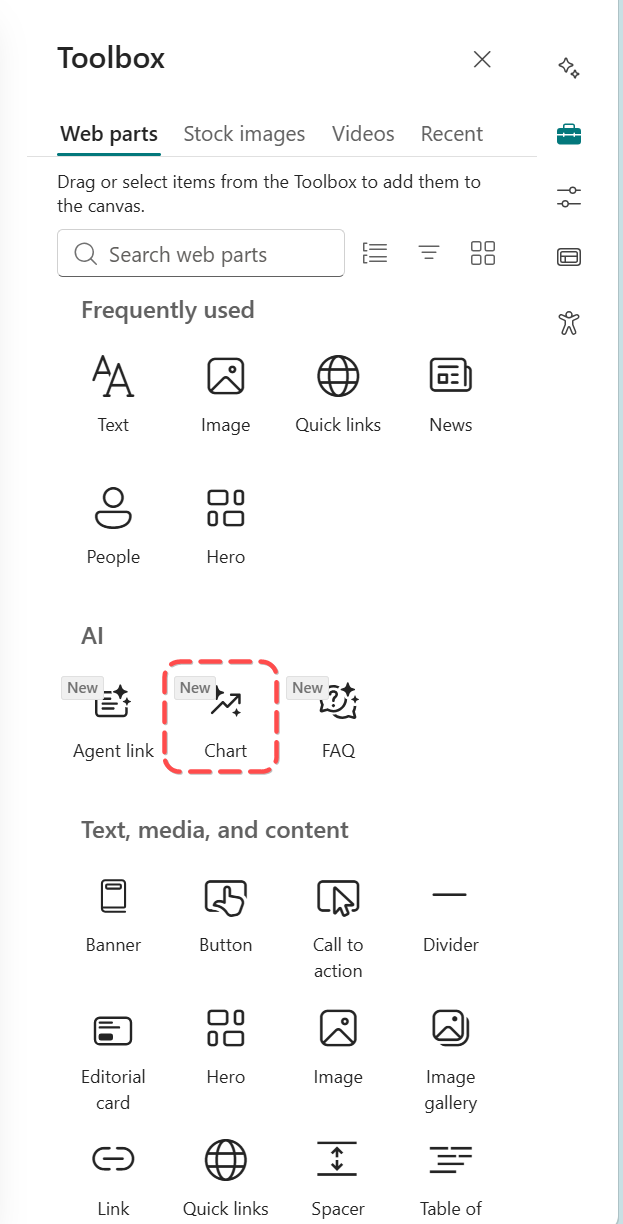
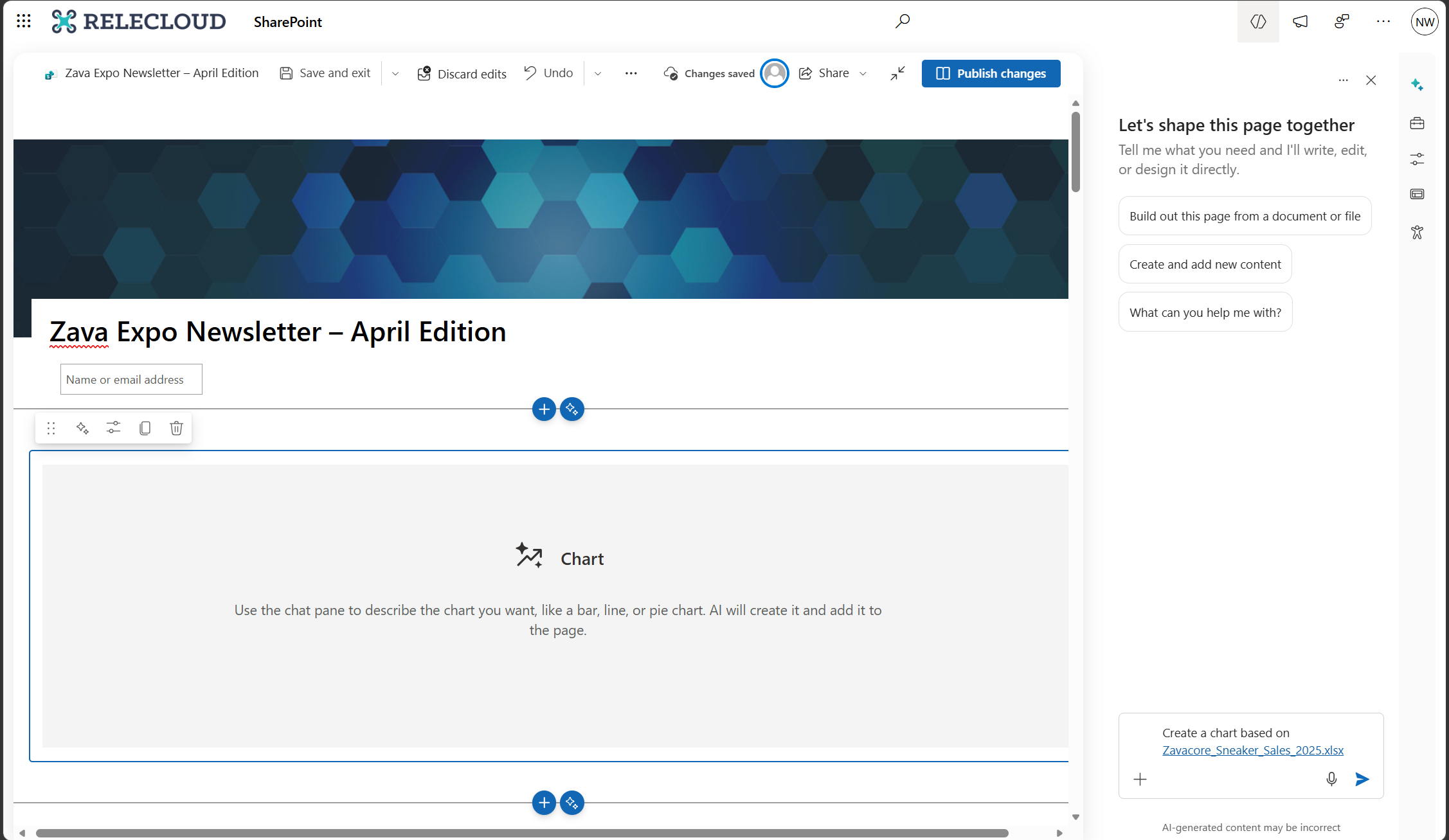
SharePoint will introduce an AI-assisted Charts web part by mid-2026, enabling page authors with a Microsoft 365 Copilot license to create and edit interactive charts using plain-language prompts. The feature is enabled by default, requires no action to prepare, and maintains existing permissions and policies.
Discussionpowered by zap.ms
Last Updated
Service
SharePoint Online
Tag
Updated message
New feature
User impact
Platforms
Web
More information
Version history
6 versions tracked
Updated 5 times since Apr 16, 2026. Microsoft only ever shows the current version; this archive preserves the history.
Compare any two versions
From
To
- Sep 14, 2026 · 04:19 PMLatest · v6
Changed: Body, End date
- Aug 7, 2026 · 11:03 PMv5
Changed: Body
- Aug 7, 2026 · 11:03 PMv4
Changed: Body, End date
- Jul 13, 2026 · 11:54 PMv3
Changed: Body, End date
- May 15, 2026 · 06:27 PMv2
Changed: Body, Tags, End date
- Apr 16, 2026 · 09:18 PMOriginal · v1
Changed: Initial version