Updated July 20, 2026: We have updated the content. Thank you for your patience.
What and Why:
Microsoft is retiring the Surveys agent and transitioning customers to a unified, Copilot-powered experience within Microsoft Forms. This change streamlines form creation, data collection, and analysis into a single, integrated experience—improving productivity and providing more advanced AI-driven capabilities without requiring additional licensing. Users can continue their workflows seamlessly while benefiting from enhanced Copilot features built directly into Forms.
Rollout Schedule:
- Retirement completion: August 31, 2026 (removal from Agent Store)
Impact on Your Organization:
Who is affected: All users who currently use the Surveys agent in Microsoft 365 Copilot
Platforms/Services:
- Microsoft 365 Copilot
- Microsoft Forms (Web)
What will happen:
- The Surveys agent will be retired and removed from the Agent Store.
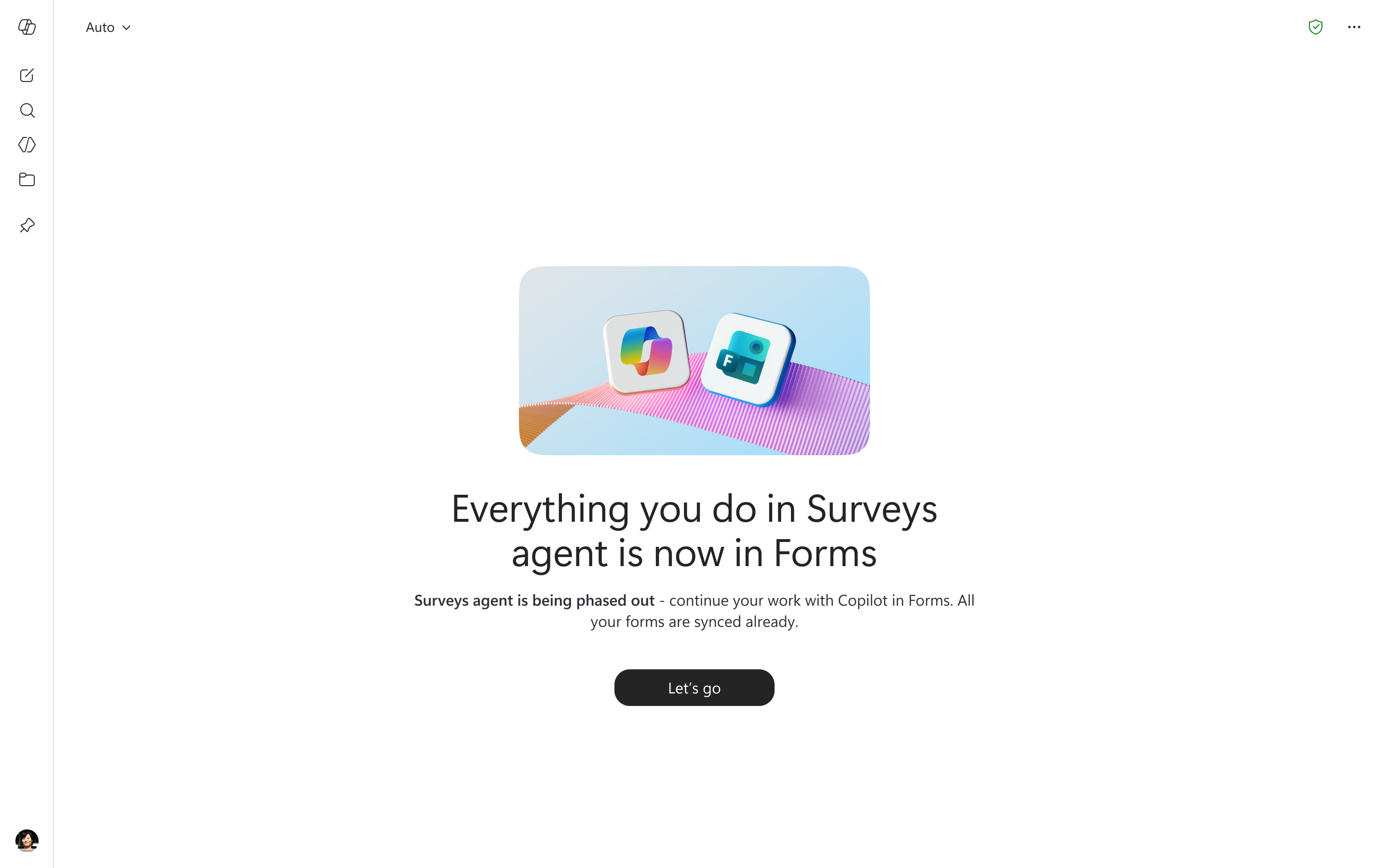
- Users will be redirected to Microsoft Forms when accessing Surveys agent.
Screenshot - Survey Agent home screen for existing users
- Copilot capabilities for surveys will continue within Microsoft Forms via the dynamic action button.
- Existing forms created through Surveys agent will remain accessible in Microsoft Forms.
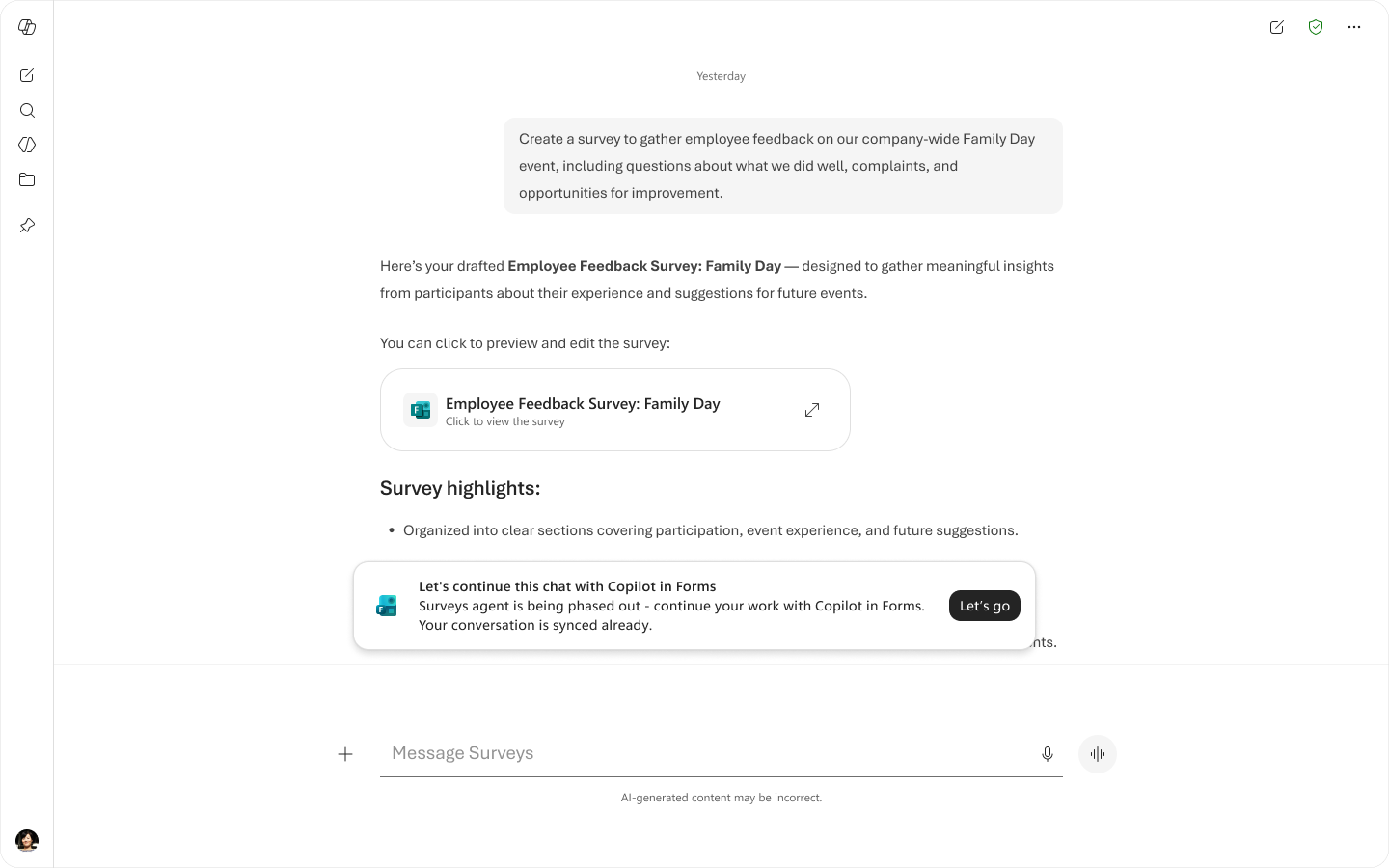
- Users will retain access to their past Surveys agent conversation history in Microsoft 365 Copilot.
Screenshot - Survey Agent chat screen for existing users
- No changes to licensing or permissions are required.
- The new experience is enabled by default; no admin configuration is needed.
Action Required/Recommendations:
- No action is required.
- Inform users about the transition to avoid confusion when redirects occur.
- Update internal documentation referencing the Surveys agent.
- Prepare helpdesk teams for potential user questions during the transition period.
Learn more:
Compliance considerations:
No compliance considerations identified, review as appropriate for your organization.