What and why
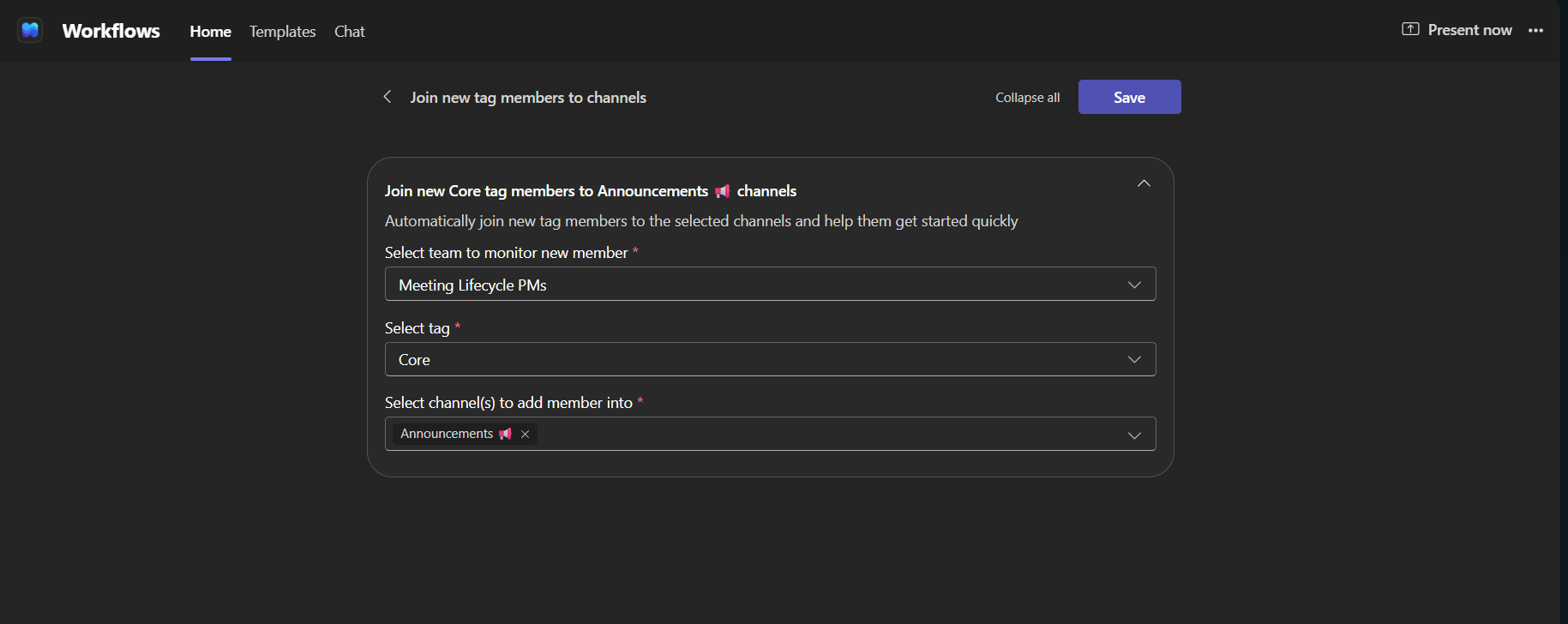
We are introducing the Join member to channel when user is added to tag template in the Workflows app to automatically add users to selected channels when they are added to a team tag. Once configured, the workflow runs whenever a user is added to the tag, eliminating the need to add members to each channel manually. This is especially useful for location-based or project-based groups where tags correspond to specific sites, regions, or projects, helping new members access relevant channels promptly.
Rollout schedule
- General Availability (Worldwide): Rollout will begin in mid-December 2026 and is expected to complete by mid-December 2026.
Impact on your organization
Who is affected
- Microsoft Teams users who are added to team tags associated with configured workflows.
- Team owners who choose to configure the workflow.
Platforms and services
- Microsoft Teams
- Workflows app
- Power Automate
What will happen
- The Join member to channel when user is added to tag template will be available in the Workflows app.
- When configured, the workflow will automatically add users to selected channels when they are added to a team tag.
- Nothing changes by default. The template is optional and does not run until someone in a team configures it.
Joining new tag members to channels
Action required and recommendations
No action is required. If your organization plans to use this template, we recommend reviewing your Power Automate and Workflows policies to confirm that it is permitted. Team owners can configure the workflow at any time if desired.
Compliance considerations
No compliance considerations identified. Review as appropriate for your organization.