MC499441 - The Room Remote feature for desktop

Message Center

This announcement expired on Apr 1, 2024 and is no longer active in Message Center.

Service

Microsoft Teams

Last Updated

Feb 16, 2024

Published Jan 20, 2023

Tag

Updated message
New feature
Admin impact

Platforms

Desktop

Summary

The Room Remote feature will allow touchless meetings by enabling users to control a nearby shared meeting room device from their desktop with Teams client. It was first launched on mobile and will now be available on desktop devices. Rollout to commercial tenants is expected to start mid-January 2024 and will complete late February 2024. Users need to ensure Bluetooth is enabled and the feature is enabled on the shared meeting room device and in TAC.

More information

Updated February 16, 2024: We have updated the content below with additional information. Thank you for your patience.

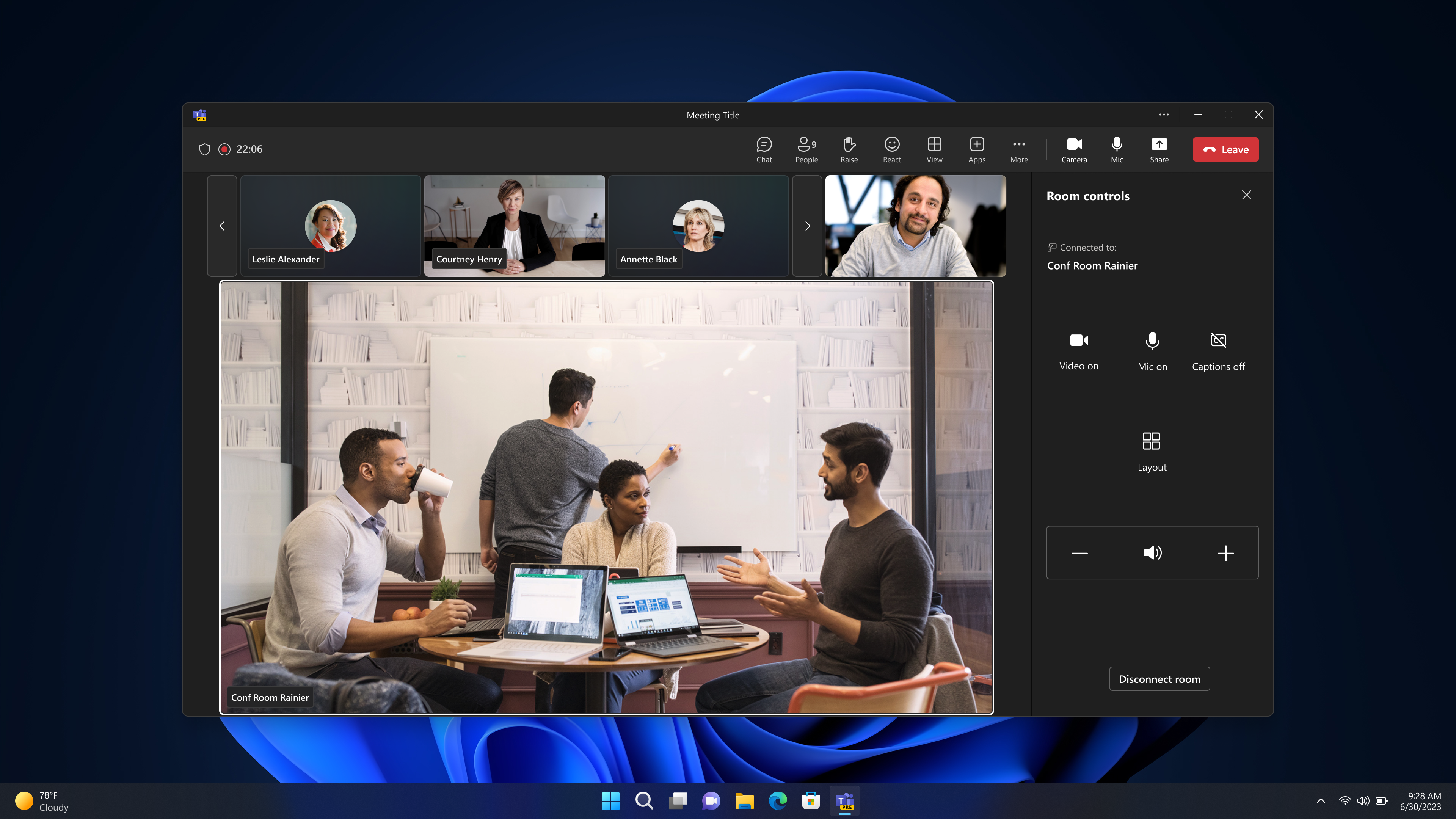
The Room Remote feature enables touchless meetings by allowing users to control a nearby shared meeting room device from their Desktop/PC with Teams client.

This feature was first launched on Mobile and will now be available on your Desktop device formfactor.

This message is associated with Microsoft 365 Roadmap ID 95482

When this will happen

Rollout to commercial tenants is expected to start mid-January 2024 and will complete late February 2024 (previously early February). GCCH and DoD will be announced in a separate message at a later date.

How this will affect your organization

Room Remote is and existing mobile feature that's arriving on Windows desktop, and will be automatically available on the Teams desktop client on your Windows Desktop PC so long that the Room Remote feature is enabled on the shared meeting room device and in TAC.


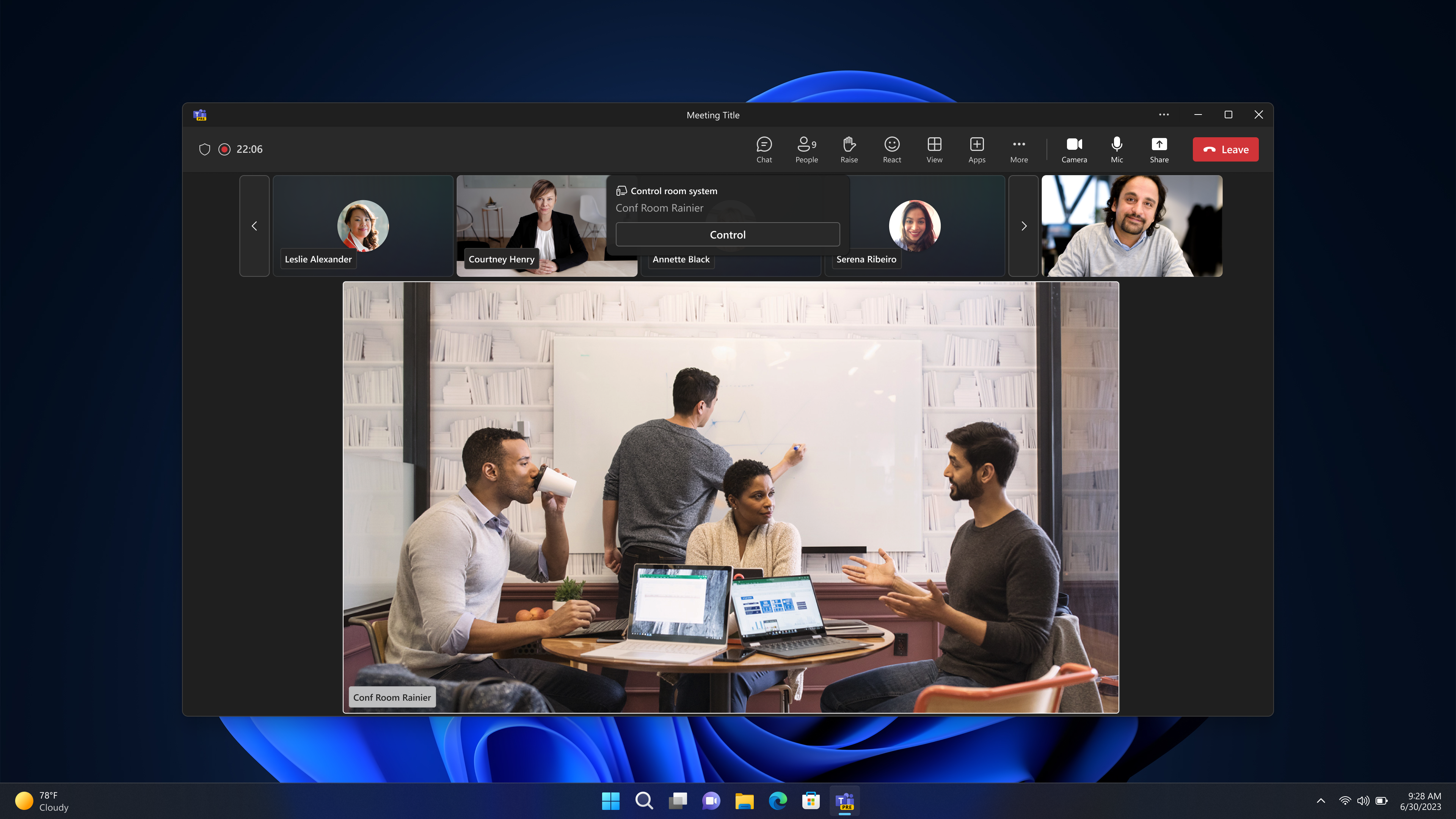
When users proximity join a meeting, a banner will appear, prompting the user to take control of the room system.


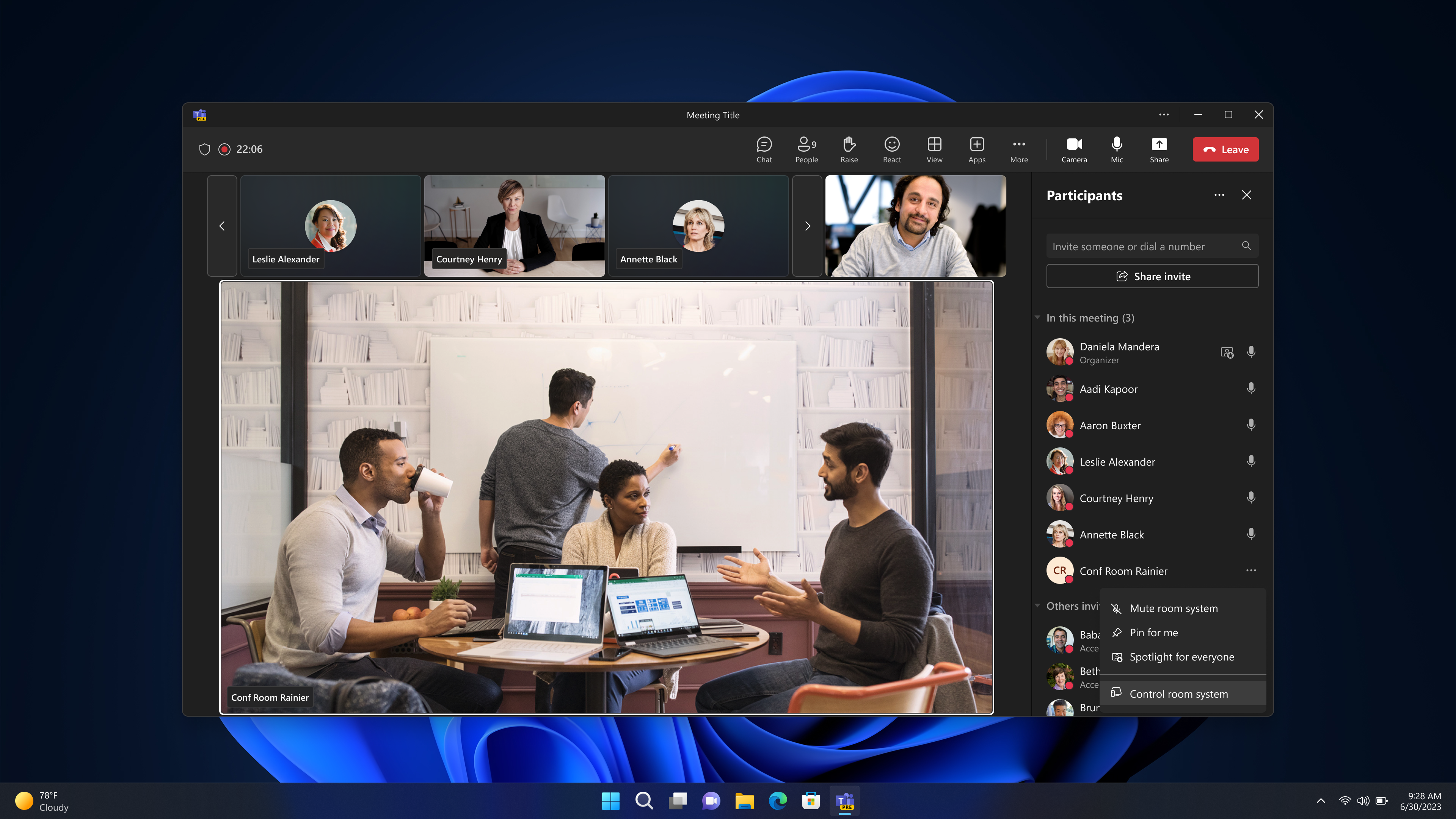
Any time during a meeting, in-room users can also access Room Remote on their desktop client through the roster. The room menu in roster will show an option to Control Room System. That option will launch Room Remote.


What you need to do to prepare:

You may want to notify your users about this new capability and update your training and documentation as appropriate. Room Remote requires Bluetooth to be enabled, and the feature to be enabled on the shared meeting room device and in TAC.