MC675281 - Generate unique join links for external presenters so they can easily join events

Message Center

This announcement expired on Apr 29, 2024 and is no longer active in Message Center.

Service

Microsoft Teams

Last Updated

Mar 11, 2024

Published Sep 14, 2023

Tag

Updated message
New feature
User impact
Admin impact

Platforms

Desktop
Mac

Summary

External presenters can join events using unique Teams join links, eliminating the need for manual admission by organizers. This feature is available for webinars only and will be rolled out worldwide by early November 2024, and by mid-March 2024 for GCC. No action is needed to prepare, but updating internal documentation is suggested.

More information

Updated March 11, 2024: We have updated the rollout timeline below. Thank you for your patience.

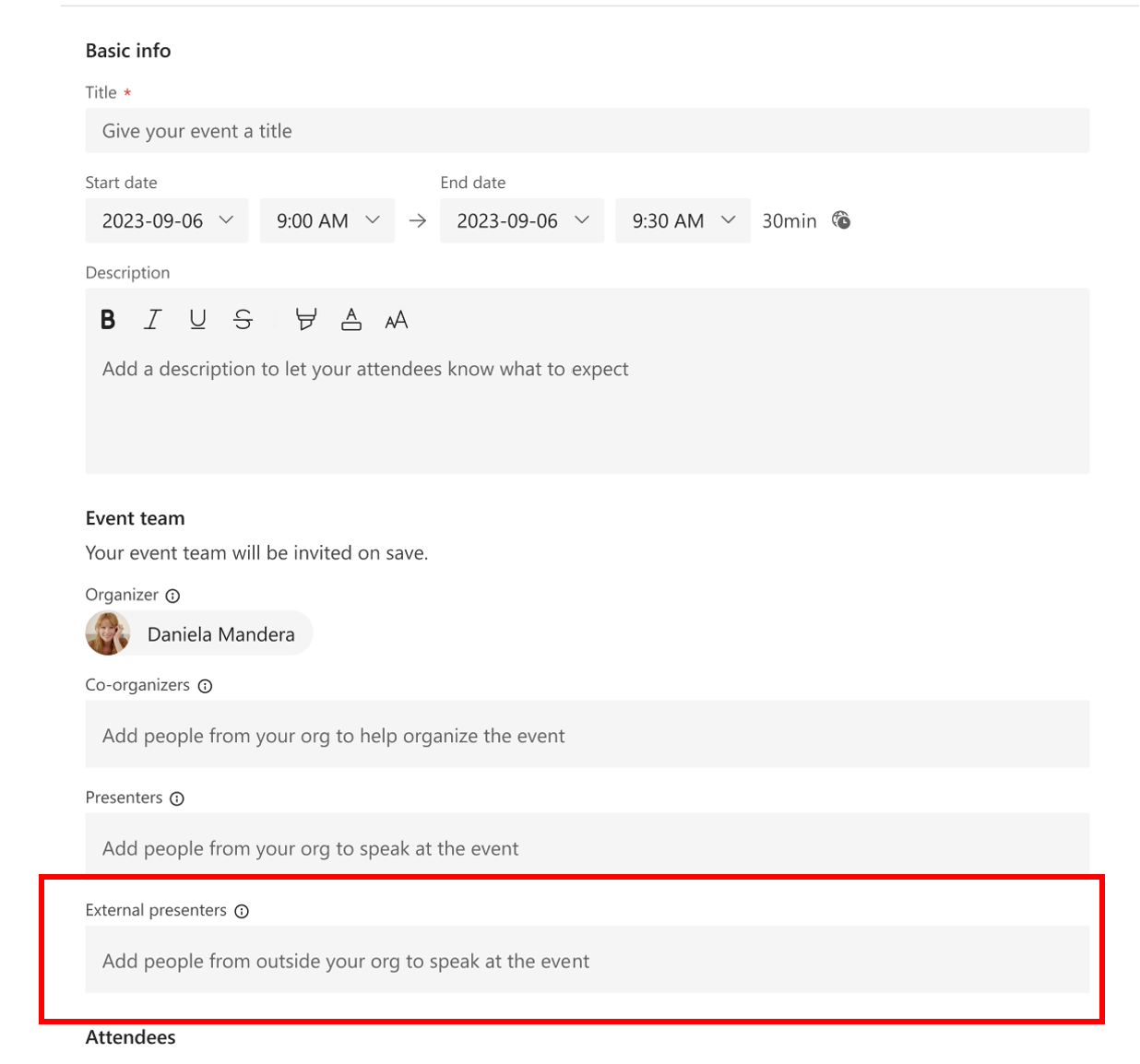
Organizers can set up events and effortlessly add external presenters, who will receive exclusive Teams join links. These links enable external presenters to directly enter the event, eliminating the need for organizers to manually admit them from the event lobby or modify their event role during the session. This creates a hassle-free event experience for organizers and presenters!

External Presenters are considered people outside of your organization, including guests (AAD/B2B/non-AAD), federated, unfederated, and anonymous users (non-AAD).

This feature is available for webinars only. This is not a Teams Premium feature.

This message is associated with Microsoft 365 Roadmap ID 123149


external links to join

When this will happen:

Worldwide: We will begin rolling out late October and expect to complete by early November.

GCC: We will begin rolling out late November 2023 (previously late October) and expect to complete by mid-March 2024 (previously late February).

How this will affect your organization:

We suggest updating your internal documentation to include this new feature.  

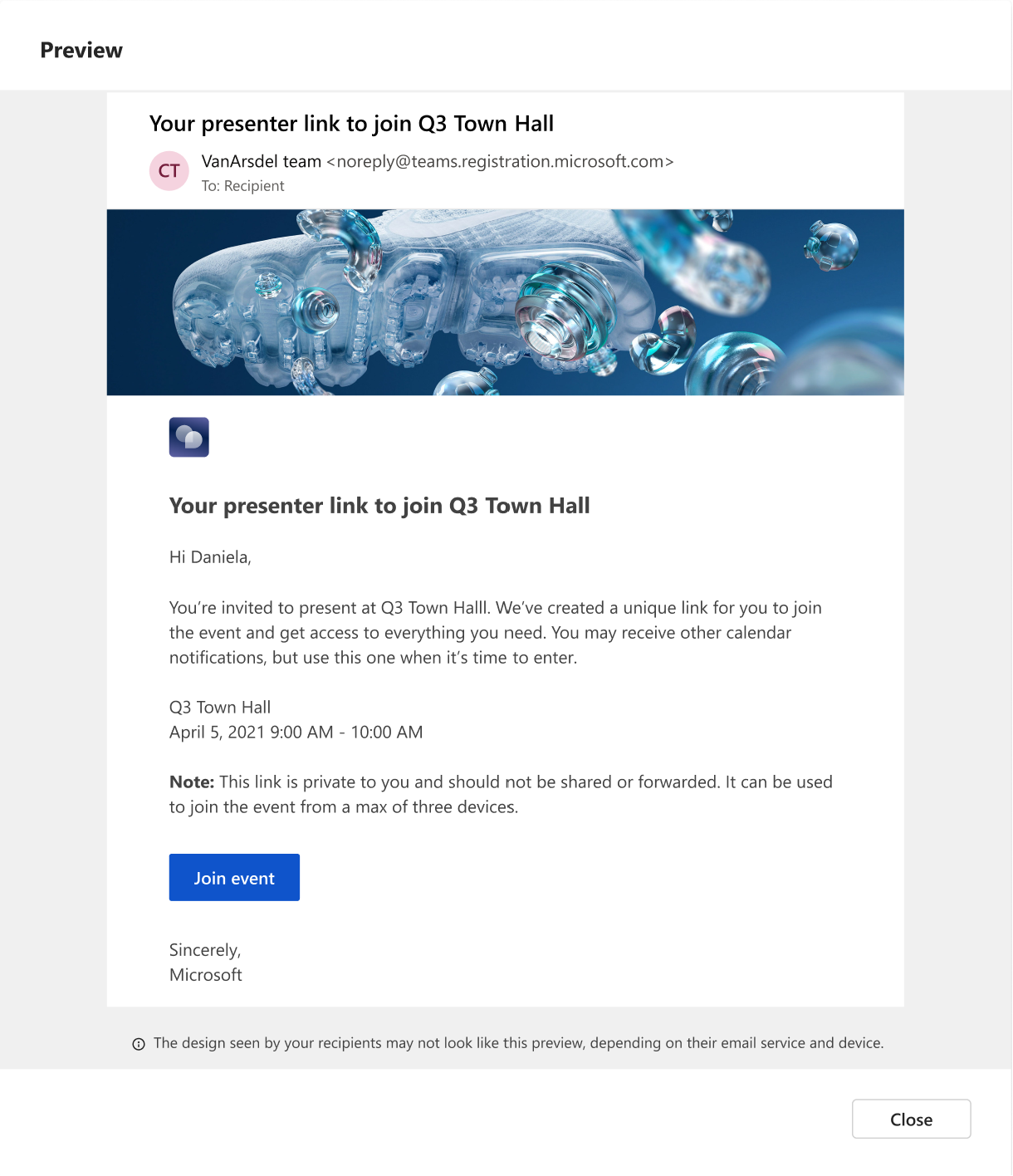
The email template that external presenters will receive will look like the template below. 

event link

What you need to do to prepare:

This feature will appear on the webinar scheduling forms when it's fully rolled out.