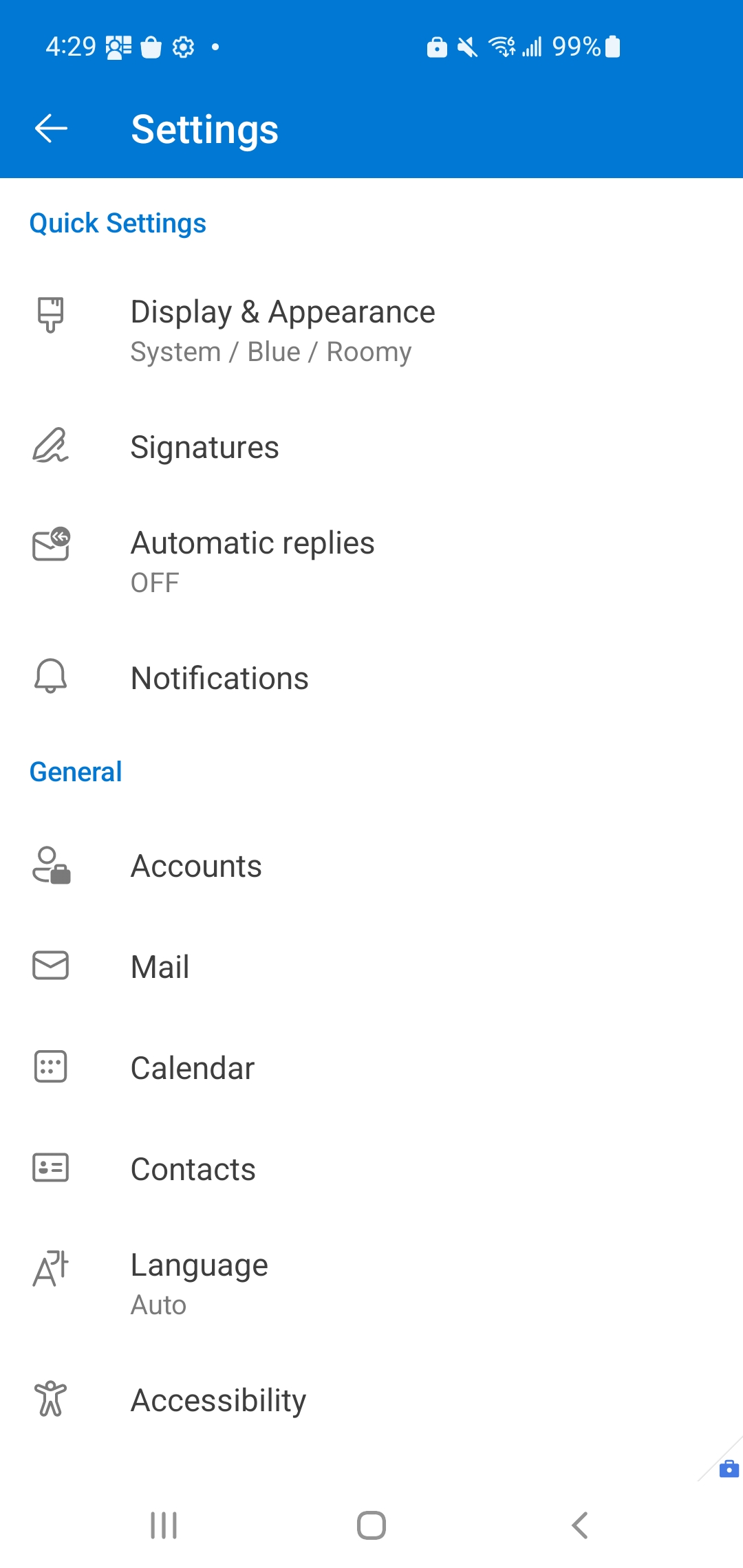
MC709662 - Announcing Updated Settings in Microsoft Outlook for Android
Message Center
This announcement expired on May 6, 2024 and is no longer active in Message Center.
Summary
Microsoft Outlook for Android is updating its settings page to make it easier to find settings. The update will roll out from mid-February to late March 2024, and only the placement of settings will change, not their functionality. Notable changes include the Help & Feedback option moving to the bottom of the Settings page and merging storage accounts with associated mail accounts. No action is needed to prepare for this change.
Discussionpowered by zap.ms
Last Updated
Service
Microsoft 365 apps
Tag
Updated message
New feature
Admin impact
Platforms
Android
More information
Version history
3 versions tracked
Updated 2 times since Jan 24, 2024. Microsoft Message Center only ever shows the current version; this archive preserves the history.
Compare any two versions
From
To
- Mar 20, 2024 · 08:09 PMLatest · v3
Changed: Body, Tags, End date
- Jan 24, 2024 · 12:48 AMv2
Changed: Body
- Jan 24, 2024 · 12:48 AMOriginal · v1
Changed: Initial version