MC789803 - Microsoft 365 admin center: Organizational messages (Preview)
Message Center
Metadata at Jun 13, 2024
Last Updated
Published May 2, 2024
Service
Tag
Platforms
Metadata
No tracked metadata fields changed between these versions.
Body changes
Updated December 3,June 13, 2024: Organizational messages is now generally available to commercial customers worldwide. Please note thatWe have updated the rollout timeline below. Thank you for your IT admins or others who work with Microsoft Intune must enable all organizational messages policy requirements.patience.
Learn more about organizational messages general availability here: Announcing general availability of organizational messages in the Microsoft 365 admin center | Microsoft Community Hub
Learn more about setup requirements here: Organizational messages in the Microsoft 365 admin center - Microsoft 365 admin | Microsoft Learn
Coming soon for Microsoft 365 admin center: Organizational messages (preview) that will enable you to create and deliver short-form communications to people in your organization through the Microsoft products they use every day, like Microsoft Windows 11 or Microsoft 365 apps.
Important note about licenses: Organizational messages preview features will not be restricted based on the licenses held by participating tenants, authors, approvers, or message recipients. However, some organizational messages features may be restricted to particular Microsoft licenses in the future.
This message is associated with Microsoft 365 Roadmap ID 392847.
When this will happen:
Public Preview: We will begin rolling out early May 2024 and expect to complete by late May 2024.
General Availability (Worldwide): We will begin rolling out in mid-November 2024 and expect to complete by mid-December 2024.
How this will affect your organization:
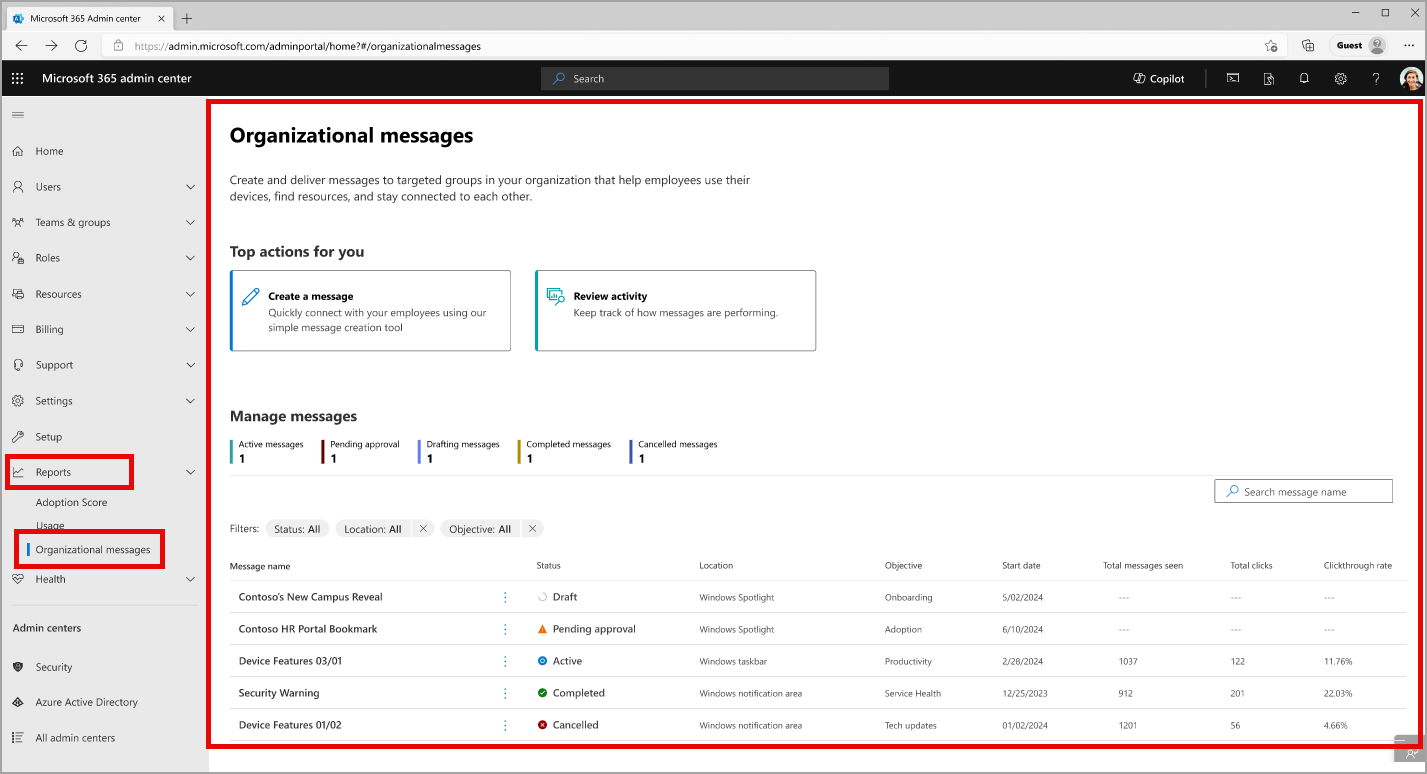
Organizational messages will be found in the Microsoft 365 admin center > Reports and will include features for admins like central management of your tenant’s organizational messages, free-form creation of new messages, an approval workflow, message scheduling and configuration, group-based targeting, and message delivery reporting.
Organizational messages management in the Microsoft 365 admin center
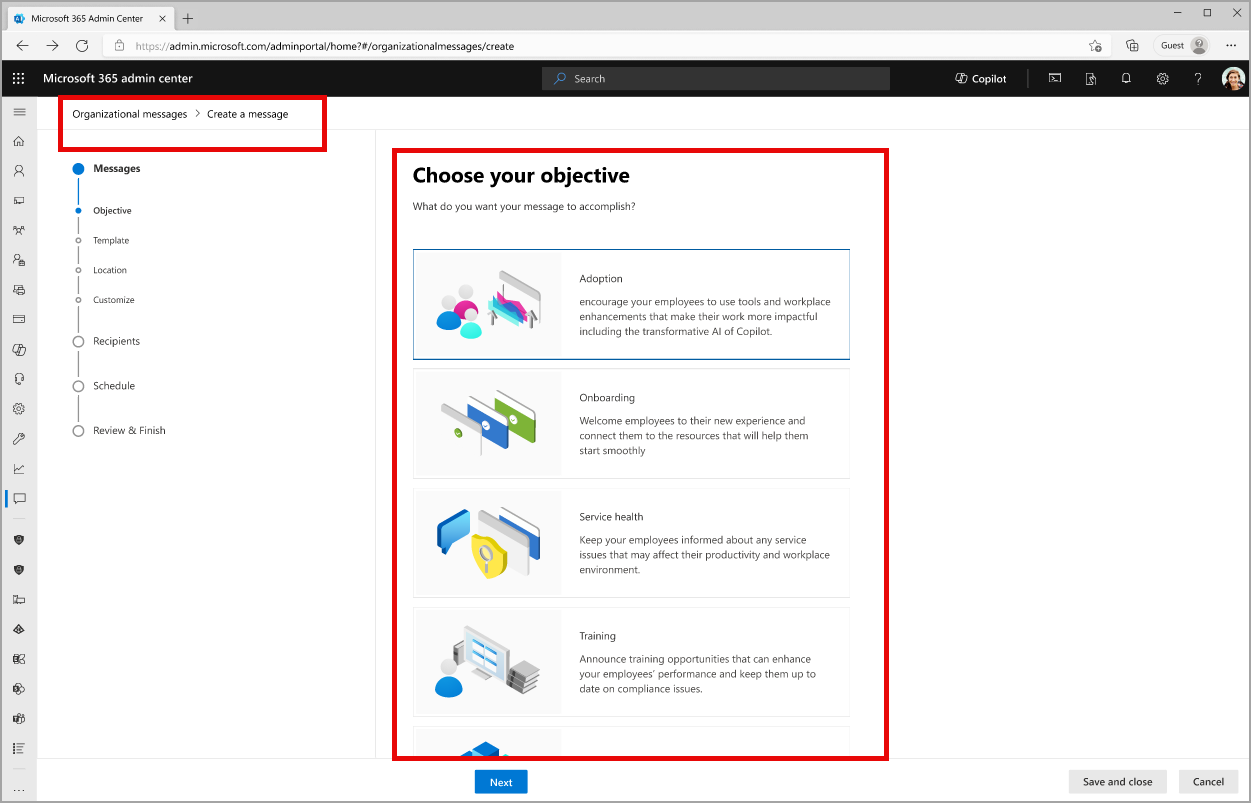
The creation process for organizational messages:
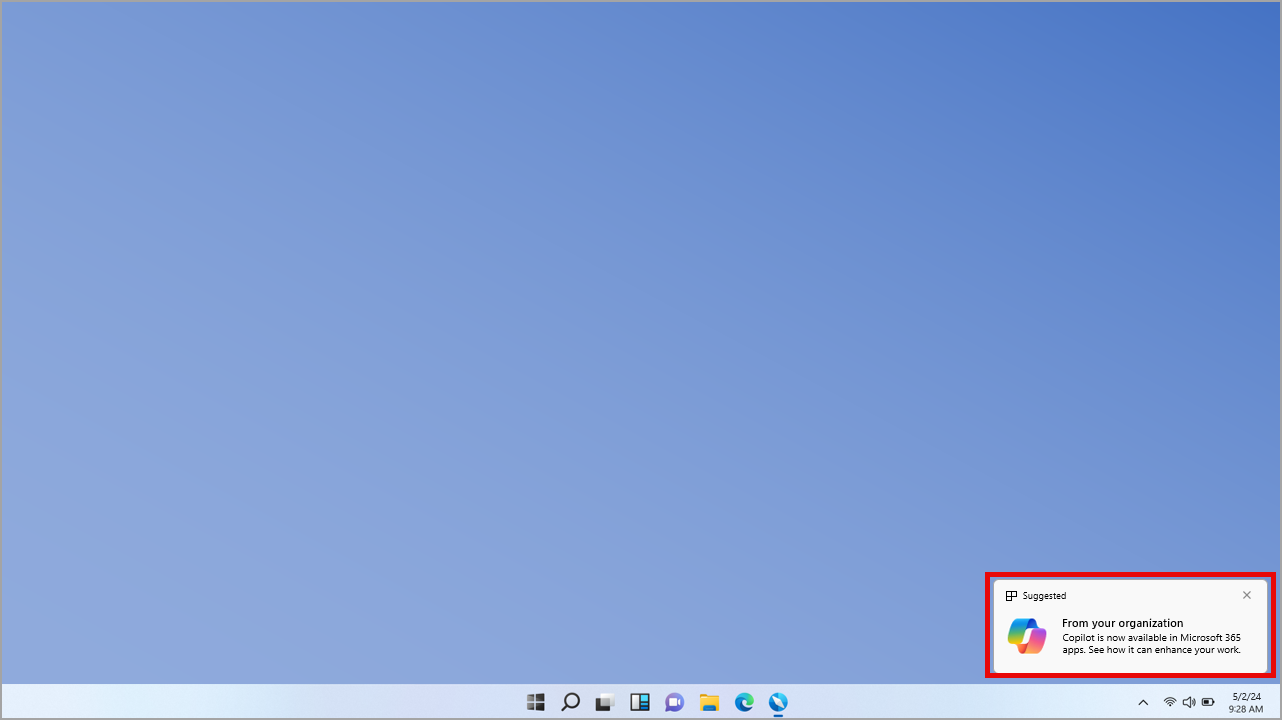
An example of an organizational message configured for the Windows 11 notifications area:
What you need to do to prepare:
To start working with organizational messages, make sure your team satisfies these requirements:
- Tenant: Ensure your IT admins or others who work with Microsoft Intune enable all organizational messages policy requirements. Learn more: Prerequisites for organizational messages | Microsoft Learn
- Authors: Anyone in your organization who wants to create organizational messages must have one of these admin roles assigned to them in the Microsoft 365 admin center:
- Approvers: Anyone in your organization who will be designated as a responsible party for approving organizational messages must have one of these admin roles assigned to them in the Microsoft 365 admin center:
- Message recipients: Anyone in your organization who will receive organizational messages from your authors must have access to the Microsoft products in which these messages are configured to be delivered. (End users are not required to have any admin roles to receive organizational messages.)
- For example, a message configured to be delivered to a Windows channel, like Windows Spotlight, requires that recipients use Windows 11 Enterprise.
This rollout will happen automatically by the specified date with no admin action required before the rollout. You may want to notify your admins about this change and update any relevant documentation as appropriate.
Learn more